Utilities Bootstrap 5Free+ CSS
Responsive Checkout Form — a free Bootstrap 5 utility snippet. Copy the HTML & CSS and paste straight into your Bootstrap 5 project.
8.1k views261 downloads
gosnippets.com/preview/responsive-checkout-form
Responsive Checkout Form — a free Bootstrap 5 utility snippet. Copy the HTML & CSS and paste straight into your Bootstrap 5 project.
1<h2>Responsive Checkout Form</h2>
2<p>Please checkout and pay us, before you run away.</p>
3<div class="row">
4  <div class="col-75">
5    <div class="container">
6      <form action="/action_page.php">
7
8        <div class="row">
9          <div class="col-50">
10            <h3>Billing Address</h3>
11            <label for="fname"><i class="fa fa-user"></i> Full Name</label>
12            <input type="text" id="fname" name="firstname" placeholder="Ravi Raushan">
13            <label for="email"><i class="fa fa-envelope"></i> Email</label>
14            <input type="text" id="email" name="email" placeholder="ravi@raushan.com">
15            <label for="adr"><i class="fa fa-address-card-o"></i> Address</label>
16            <input type="text" id="adr" name="address" placeholder="officers Colony">
17            <label for="city"><i class="fa fa-institution"></i> City</label>
18            <input type="text" id="city" name="city" placeholder="Ranchi">
19
20            <div class="row">
21              <div class="col-50">
22                <label for="state">State</label>
23                <input type="text" id="state" name="state" placeholder="JH">
24              </div>
25              <div class="col-50">
26                <label for="zip">Zip</label>
27                <input type="text" id="zip" name="zip" placeholder="814111">
28              </div>
29            </div>
30          </div>
31
32          <div class="col-50">
33            <h3>Payment</h3>
34            <label for="fname">Accepted Cards</label>
35            <div class="icon-container">
36              <i class="fa fa-cc-visa" style="color:navy;"></i>
37              <i class="fa fa-cc-amex" style="color:blue;"></i>
38              <i class="fa fa-cc-mastercard" style="color:red;"></i>
39              <i class="fa fa-cc-discover" style="color:orange;"></i>
40            </div>
41            <label for="cname">Name on Card</label>
42            <input type="text" id="cname" name="cardname" placeholder="Ravi Raushan">
43            <label for="ccnum">Credit card number</label>
44            <input type="text" id="ccnum" name="cardnumber" placeholder="1111-2222-3333-4444">
45            <label for="expmonth">Exp Month</label>
46            <input type="text" id="expmonth" name="expmonth" placeholder="September">
47            <div class="row">
48              <div class="col-50">
49                <label for="expyear">Exp Year</label>
50                <input type="text" id="expyear" name="expyear" placeholder="2033">
51              </div>
52              <div class="col-50">
53                <label for="cvv">CVV</label>
54                <input type="text" id="cvv" name="cvv" placeholder="111">
55              </div>
56            </div>
57          </div>
58
59        </div>
60        <label>
61          <input type="checkbox" checked="checked" name="sameadr"> Shipping address same as billing
62        </label>
63        <input type="submit" value="Continue to checkout" class="btn">
64      </form>
65    </div>
66  </div>
67  <div class="col-25">
68    <div class="container">
69      <h4>Cart <span class="price" style="color:black"><i class="fa fa-shopping-cart"></i> <b>4</b></span></h4>
70      <p><a href="#">Nike Shoes </a> <span class="price">₹2000</span></p>
71      <p><a href="#">Jio Phone</a> <span class="price">₹1000</span></p>
72      <p><a href="#">Iphone 13 pro max</a> <span class="price">₹20000</span></p>
73      <p><a href="#">Tomato</a> <span class="price">₹400</span></p>
74      <hr>
75      <p>Total <span class="price" style="color:black"><b>₹23400</b></span></p>
76    </div>
77  </div>
78</div>
79
Auto move mouse cursor snippet
Auto move mouse cursor snippet: a hand-crafted, open-source Bootstrap 5 utility. HTML, CSS & JS included, ready to copy.
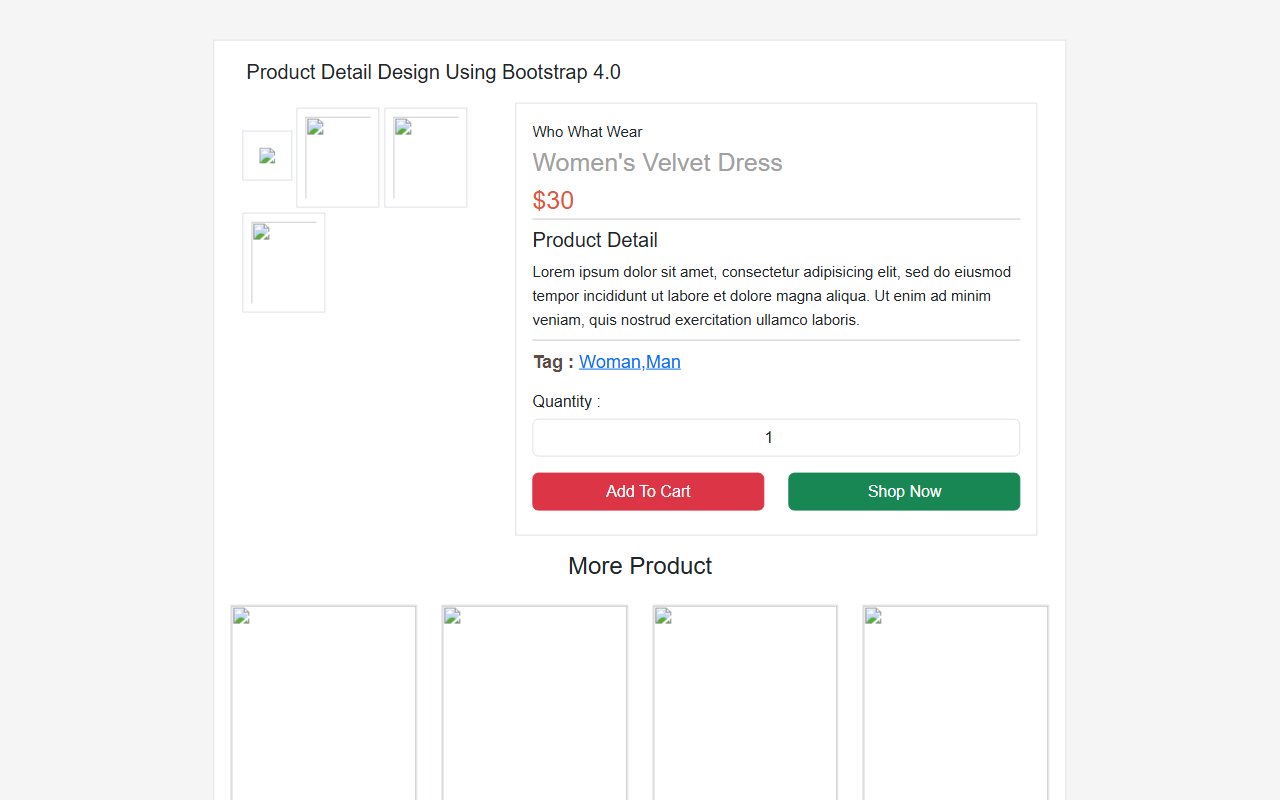
Bootstrap 5 Ecommerce Product Detail Page Design snippet
Free Bootstrap 5 utility snippet — Bootstrap 5 Ecommerce Product Detail Page Design snippet. Preview, copy HTML & CSS, drop it into any Bootstrap 5 project.
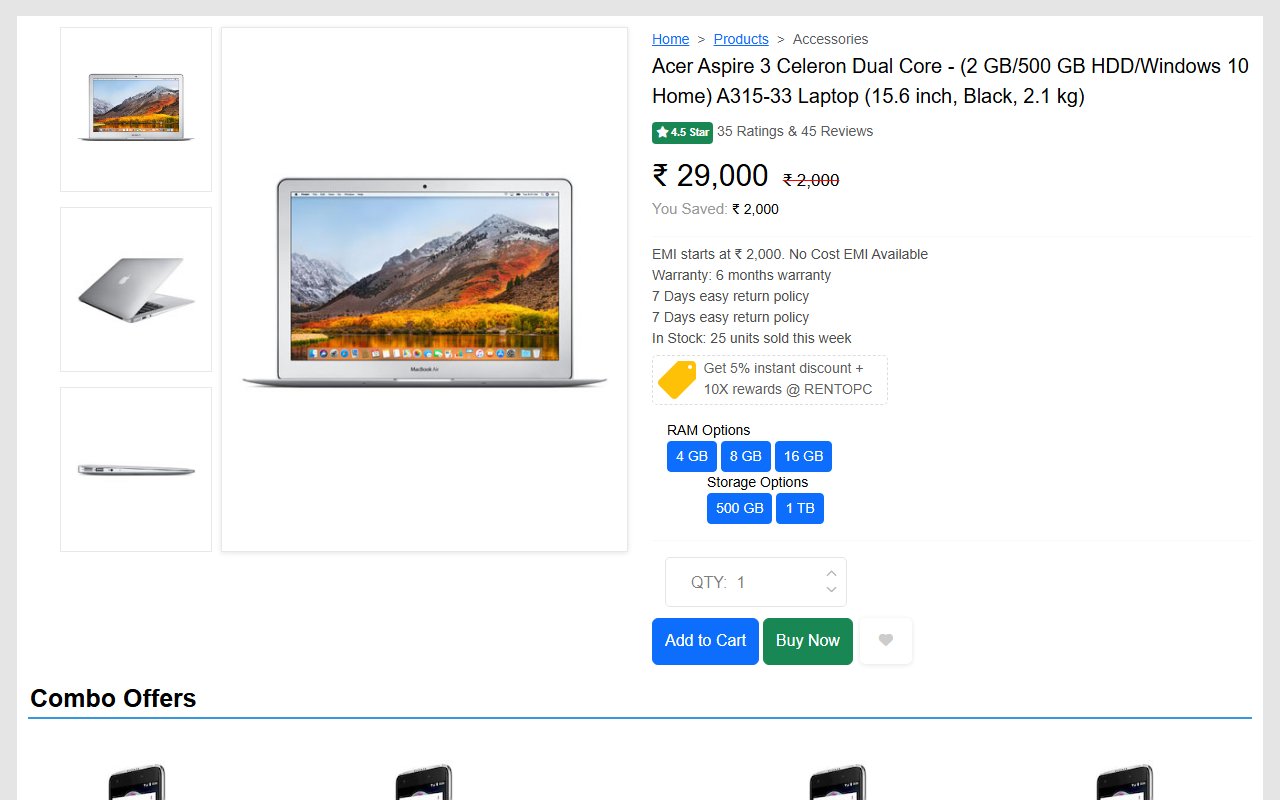
Bootstrap 5 Ecommerce single product page design template
Free Bootstrap 5 utility snippet — Bootstrap 5 Ecommerce single product page design template. Preview, copy HTML & CSS, drop it into any Bootstrap 5 project.
Hand-crafted Tailwind CSS components — HTML or React, copy-paste ready, with live previews. Free forever, MIT licensed, no sign-up to use.
27
Components
1.1k
Views
6
Likes
Comments(0)
No comments yet — be the first to start the discussion.
Sign in to join the conversation.